
Age Group: Elementary (K–5)
Skills: Budgeting, addition, comparing numbers, decision-making
Theme: Classroom “store” with pretend items and price tags
Learning Objectives
By the end of this activity, students will be able to:
Math & Money Skills
- Identify the value of classroom “prices” and match items to their price tags.
- Add multiple item prices to reach or stay under a $10 budget.
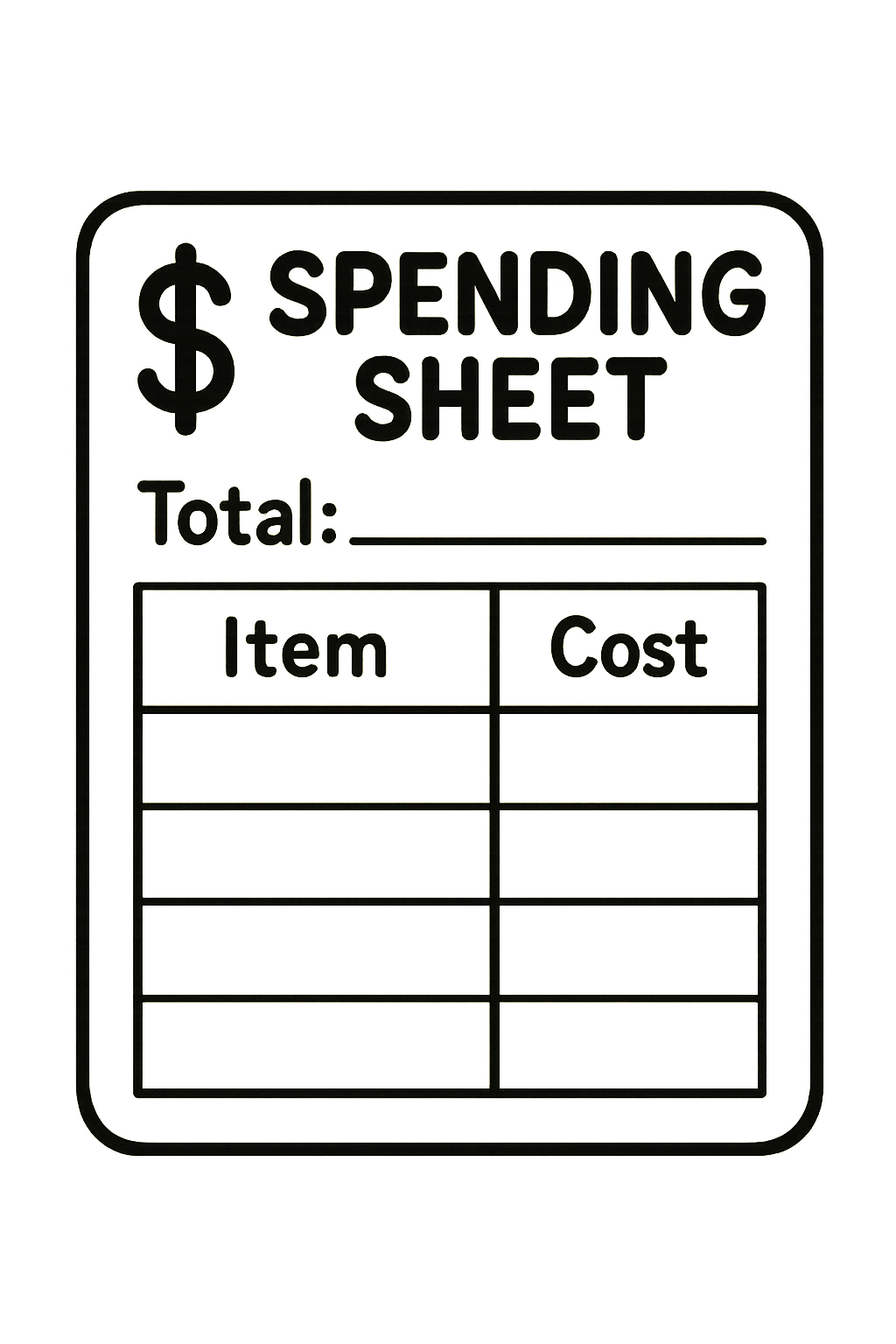
- Use a spending sheet to record item names, prices, and running totals.
- Compare item costs to make purchase decisions.
Financial Literacy
- Understand the concept of budgeting (limited money vs. unlimited wants).
- Practice making choices based on cost and remaining funds.
- Experience real-life decision-making involving trade-offs.
Executive Function & Social Skills
- Practice planning, organization, and tracking information.
- Communicate choices and justify spending decisions.
- Work cooperatively during shop rotations or partner shopping.
Essential Questions
- What does it mean to budget money?
- How do we stay under a spending limit?
- Why do we need to make choices when we can’t afford everything?
- How can planning help us make better decisions?
Materials Needed
- Item cut-out sheets (stickers, pencils, small toy, erasers, notebook, etc.)
- Price sheet (with $1–$5 values)
- Play money ($1 bills)
- Spending sheet (paper or laminated)
- Safety scissors (for cut-outs)
- Pencils/markers
- Optional: bins or baskets to make a mini “store”
🎯 Vocabulary to Teach
- Budget: A plan that shows how much money you can spend.
- Cost: How much an item is worth.
- Total: All item prices added together.
- Change: What is left after spending.
- Choice/Trade-off: Giving up something to get something else.
Instructional Steps (Teacher Guide)
1. Warm-Up (5 minutes)
Ask:
- “What would you buy if you had $10?”
- “Can you buy everything you want?” (Introduce trade-offs)
Explain:
“You will each get $10 in pretend money and choose classroom items to ‘buy.’ But you must stay at or under $10!”
2. Introduce the Classroom Shop (5–7 minutes)
Show the price sheet and item pictures.
Students practice:
- Identifying items
- Reading price tags
- Predicting: Which items seem most expensive? Least expensive?
3. Model the Activity (5 minutes)
Demonstrate using the spending sheet:
Example:
- Pick “Stickers” → write “Stickers” under Item → write “$1” → write $1 under Total.
- Add a second item → update running total.
Ask:
- “If I only have $10, can I buy all of these?”
- “What should I think about before choosing my next item?”
4. Student Shopping Time (10–15 minutes)
Students:
- Cut out the item images
- “Shop” by choosing items
- Use the spending sheet to track their total
- Use play money to “pay”
Encourage:
- Try to reach EXACTLY $10
- Try different combinations
- Compare choices with a partner
5. Reflection & Discussion (5–10 minutes)
Ask guiding questions:
- “Was it hard to stay under $10? Why?”
- “What did you have to give up to stay in your budget?”
- “How did you decide which items to buy?”
Students can share their spending sheets.
Differentiation
For Younger Students (K–2):
- Provide pre-filled price tags.
- Limit item choices to 4–5 items.
- Use pictures with labels.
For Older Students (3–5):
- Add tax (e.g., 10 cents per item).
- Provide larger budgets with more items.
- Encourage multi-step comparisons (“Which deal is better?”).
Assessment Options
Formative Checks
- Observe students’ spending sheets for correct addition.
- Ask students to explain their spending decisions.
- Check if students stayed at or under budget.
Summative Activities
- Students solve “challenge scenarios” such as:
- “You only have $7. What can you buy?”
- “Make 3 different combinations that total exactly $10.”
- “Which item is the best value, and why?”
Extension Activities
- Create Your Own Store: Students design new items with prices.
- Math Word Problems:
“If you bought a notebook and slime tub, how much did you spend?” - Role-Play Cashier: One student adds totals while others shop.
- Savings Challenge: Give students $10 for the week; unused money rolls over.
 Unleashed Learning Gateway